Visiting The National Museum of Computing inside Bletchley Park - Can we crack Engima with Raspberry Pis?
 "The National Museum of Computing is a museum in the United Kingdom dedicated to collecting and restoring historic computer systems. The museum is based in rented premises at Bletchley Park in Milton Keynes, Buckinghamshire and opened in 2007" and I was able to visit it today with my buddies Damian and David. It was absolutely brilliant.
I'd encourage you to have a listen to my 2015 podcast with Dr. Sue Black who used social media to raise awareness of the state of Bletchley Park and help return the site to solvency.
The National Museum of Computing is a must-see if you are ever in the UK. It was a short 30ish minute train ride up from London. We spent the whole afternoon there.
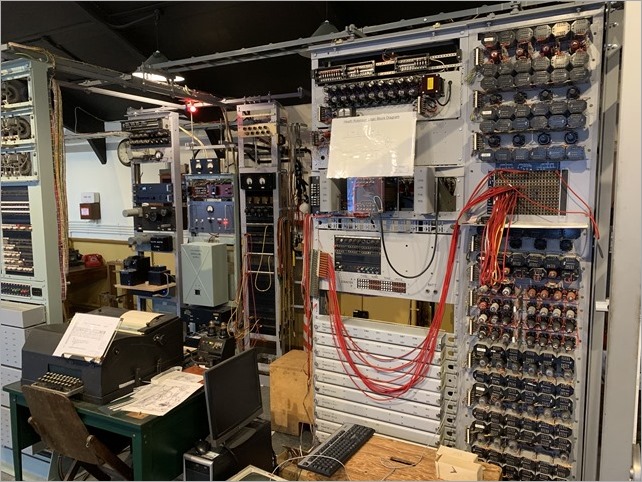
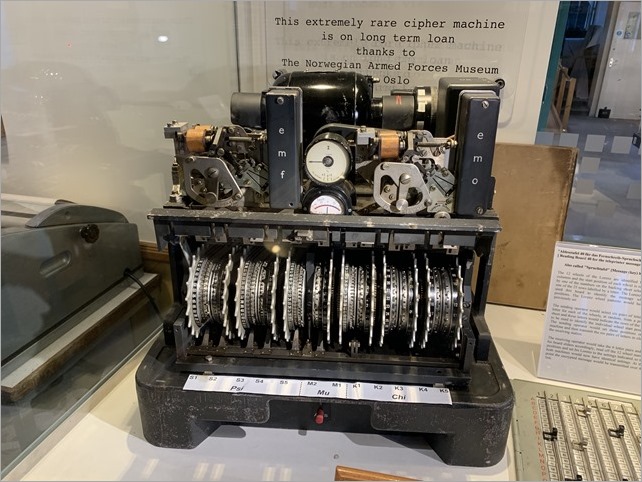
There is a rebuild of the Colossus, the the world's first electronic computer. It had a single purpose: to help decipher the Lorenz-encrypted (Tunny) messages between Hitler and his generals during World War II. The Colossus Gallery housing the rebuild of Colossus tells that remarkable story.
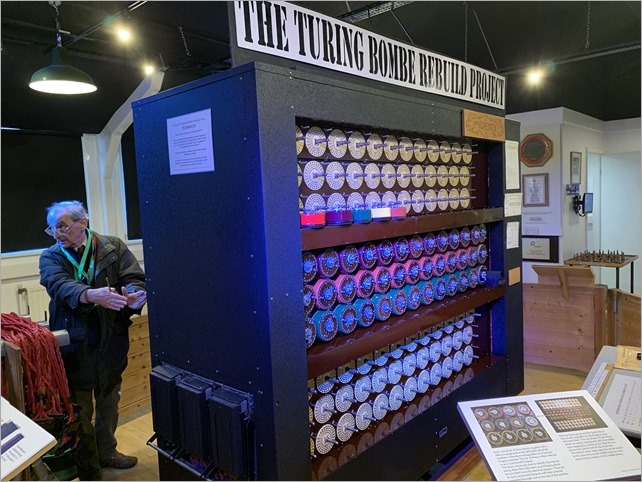
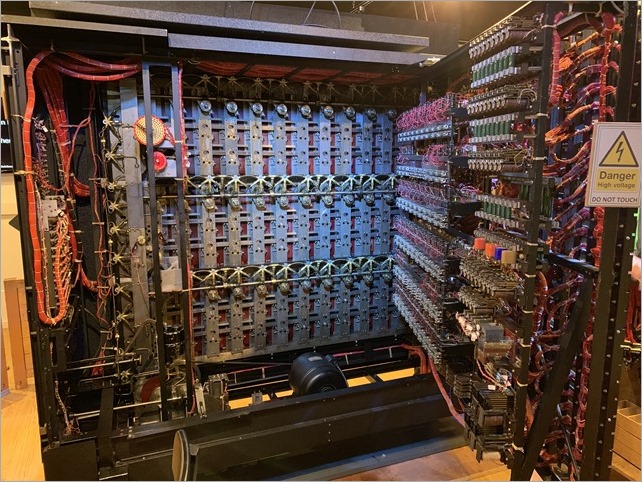
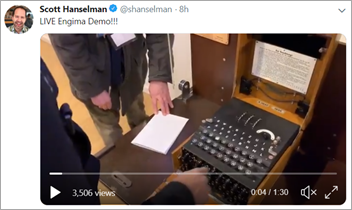
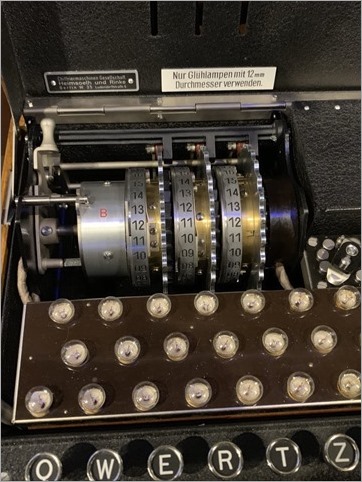
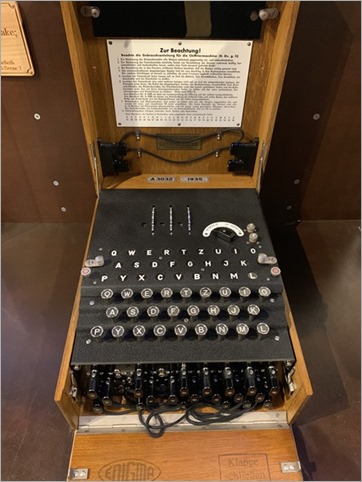
We saw the Turing-Welchman Bombe machine, an electro-mechanical device used to break Enigma-enciphered messages about enemy military operations during the Second World War. They offer guided tours (recommended as the volunteers have encyclopedic knowledge) and we were able to encrypt a message with the German Enigma (there's a 90 second video I made, here) and decrypt it with the Bombe, which is effectively 12 Engimas working in parallel, backwards.
It's worth noting - this from their website - that the first Bombe, named Victory, started code-breaking on Bletchley Park on 14 March 1940 and by the end of the war almost 1676 female WRNS and 263 male RAF personnel were involved in the deployment of 211 Bombe machines. The museum has a working reconstructed Bombe.
Now, decrypting the Enigma with the Bombe (and a crib, and some analysis, before the brute force starts) pic.twitter.com/OJsoMYXYhj
— Scott Hanselman (@shanselman) January 31, 2019
I wanted to understand the computing power these systems had then, and now. Check out the website where you can learn about the OctaPi - a Raspberry Pi array of eight Pis working together to brute-force Engima. You can make your own here!
I hope you enjoy these pics and videos and I hope you one day get to enjoy the history and technology in and around Bletchley Park.
Sponsor: Check out Seq 5 for real-time diagnostics from ASP.NET Core and Serilog, now with faster queries, support for Docker on Linux, and beautiful new dark and light themes.
© 2018 Scott Hanselman. All rights reserved.


from Scott Hanselman's Blog http://feeds.hanselman.com/~/595017966/0/scotthanselman~Visiting-The-National-Museum-of-Computing-inside-Bletchley-Park-Can-we-crack-Engima-with-Raspberry-Pis.aspx
Comments
Post a Comment